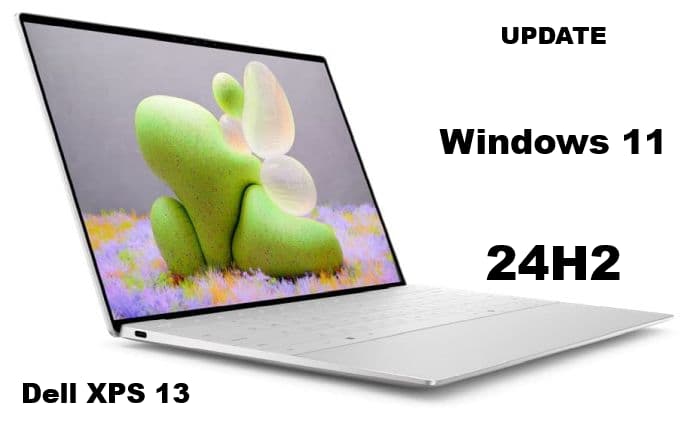
See Windows 11 24H2 – and Recall post for more info on the 24H2 Update.
This 24H2 update was on my Dell XPS 13 9310 – purchased in October of 2021. Specs are:
Musings is Fun & Politics — Tech is just Tech 
See Windows 11 24H2 – and Recall post for more info on the 24H2 Update.
This 24H2 update was on my Dell XPS 13 9310 – purchased in October of 2021. Specs are:
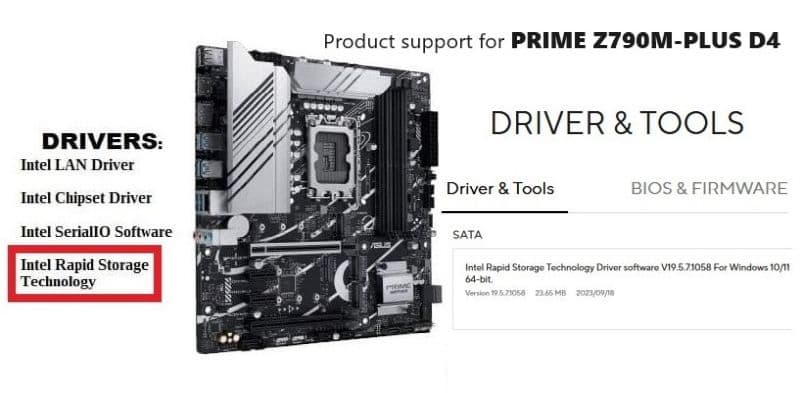
The Intel® Rapid Storage Technology (Intel® RST) driver holds the controllers (?) and storage drivers I needed to do a Backup and Restore (Windows 7) of a Win11 Pro saved image, and/or to do a clean installation of Win11 Pro – on an ASUS Prime Z790M-PLUS D4 MoBo.
I am no expert at motherboards, but I sometimes do more ‘Tinkering’ with my main computer (‘Apevia’) than I should—hence the reason for using the Backup and Restore (Windows 7) utility that comes with Windows 11 before actual ‘Tinkering’ starts.
Long story, but I don’t really want to go thru the ‘Nightmare’, in great detail, again. Doubtful that I could remember all the details anyway, since a lot of the experience involved luck, searching, banging away, more searching, more banging away mixed in with deep thought & pondering, experimenting & testing, and a stroke of good luck in the home stretch. 👍😳👌🙂
This was done using ‘Sam’ my new 12.2” Samsung Chromebook Plus V2 XE521QAB. Tried this same method on the new HP Chromebook – 14a-na0023cl (‘Chromebook’) ‘n it didn’t work. I had purchased two Chromebooks wid the hopes of turning one into a Fedora Linux laptop.

Here’s closer look at System Settings wid that so-called “weak” Chromebook Celeron 3965Y ‘n just 4 (“3.7”) GiB memory (6/19/2021 NOTE: forgot to upgrade to Fedora 33 from 32, ‘n so here’s the new System pic):
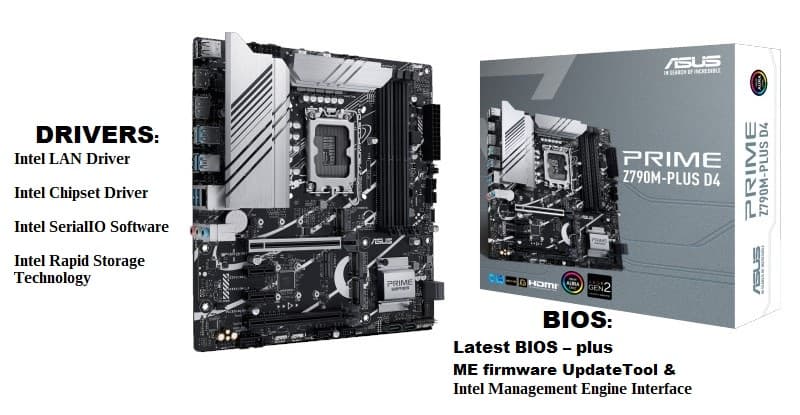
I have found that finding the right ASUS Z790M PLUS D4 drivers can be frustrating for this one. Since 2005/2006 I have purchased $60-$90 motherboards for my builds, but decided to ‘splurge’ on the ASUS Prime Z790M-PLUS D4 mATX MoBo – $171.89 + $12.03 Tax = $183.92.
Requirements were – Micro ATX, Intel Z790, LGA 1700, and 1Gb LAN motherboard. Have moved away from the big ATX & small ITX boards, and prefer the mATX boards and cases now—fact is, I was going to be removing (intact) an older board from my favorite case, a APEVIA X-QPACK3 mATX case, and building a new Intel® Core™ i9-13900K system in it.
I didn’t find a huge mATX selection, and PCPartPicker only had TWO listed, and I went w/ the ASUS Prime Z790M-PLUS D4.
(*1/31/2024 UPDATE: new info in ASUS Prime Z790M-PLUS D4 mATX MoBo: Restore an Image and/or do a Clean Install post*)
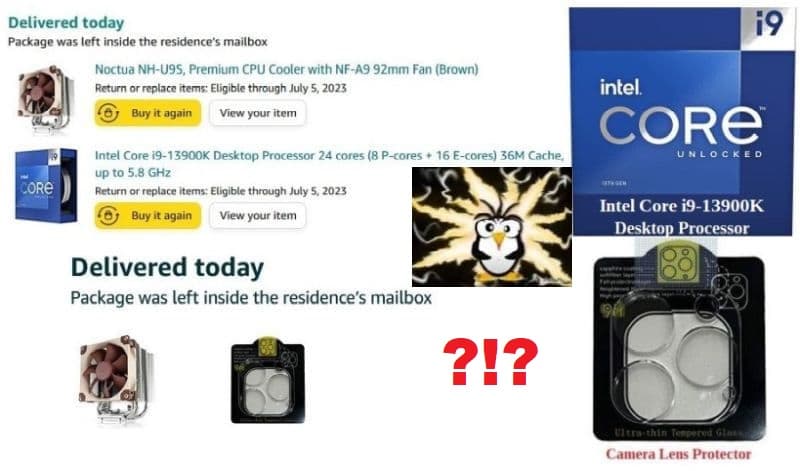
OK, ‘Thangs have slowed to a crawl – fortunately I am in no rush ‘n just keep spending more money whilst I wait. 😁👍 However, instead of four Parts there will be a Part 5: here are the links to Part 1, Part 2, and Part 3.
Let’s get started…
I knew that “$50 drop in the price of an Intel® Core™ i9-13900K CPU” mentioned in Part 3 looked unusual for the 2nd ‘Fastest average effective speed CPU‘ right now: