
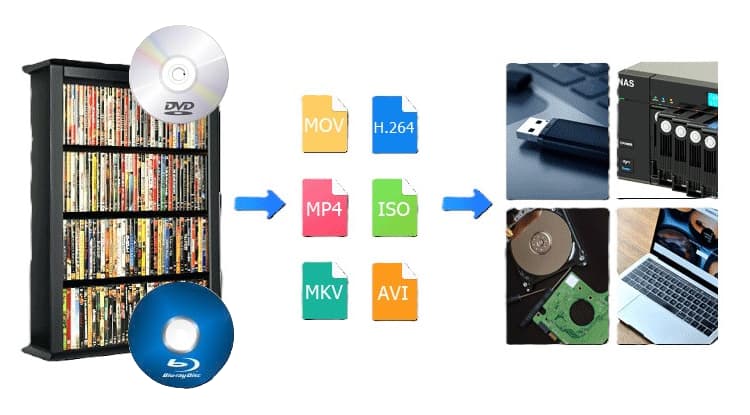
Media Library – Digitizing your DVDs & Blu-rays (Part 2)

Looks like this series will be in 3-parts initially, i.e., it may restart if I decide later to go with a Media server. Here is Part 1. Am a novice at this digitizing a Media Library, so my method is for those with low budgets and no experience either. 😉

Total costs at this point are $189.63 including tax and free shipping. The external Blu-ray burner drive was 42.69, and EaseFab LosslessCopy software was $39.95 on sale for 1-PC. After research, I purchased a Seagate FireCuda ST4000DX005 4TB 7200 RPM 256MB Cache SATA 6.0Gb/s 3.5″ Internal HDD Bare Drive for $106.99 last night – settled on this HDD after considering reliability, 7200 RPM speed, 3/5 warranty, and costs (there were cheaper & more expensive ones).

I already had some devices/components—which saved on my costs, but you may have to buy more items than listed above:
Read more

Media Library – Digitizing your DVDs & Blu-rays (Part 1)

Media Library Digitizing Test – Total novice here, so there is probably an easier and quicker way than how I am doing it at this point. Still not sure if I will go to digital movies & series since it seems to require lots of time. Movies have been easy so far, but next test will involve digitizing a series like Game of Thrones or Justified or maybe Dark Winds since it is short. Series requires its name plus season plus multiple disks (1, 2, etc.) – so that test may be too much trouble…I just dunno. Total costs at this point are about $80 for Blu-ray drive and EaseFab software.

Read more

SanDisk Ultra Dual Drive USB Type-C & Type-A

I have 3 desktop PCs and a Dell lappy – only keep all my Data on one PC tho. That means adding or updating data to the others at times, and switching USBs or adding an adapter to them according to what connection type of port is available, i.e., a USB Type-C or Type-A. Purchased … Read more

ASUS Prime Z790M-PLUS D4 mATX MoBo: Restore an Image and/or do a Clean Install

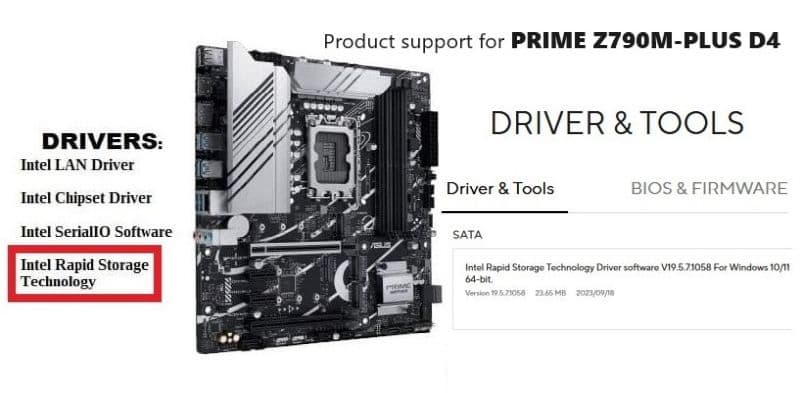
The Intel® Rapid Storage Technology (Intel® RST) driver holds the controllers (?) and storage drivers I needed to do a Backup and Restore (Windows 7) of a Win11 Pro saved image, and/or to do a clean installation of Win11 Pro – on an ASUS Prime Z790M-PLUS D4 MoBo.

I am no expert at motherboards, but I sometimes do more ‘Tinkering’ with my main computer (‘Apevia’) than I should—hence the reason for using the Backup and Restore (Windows 7) utility that comes with Windows 11 before actual ‘Tinkering’ starts.

Long story, but I don’t really want to go thru the ‘Nightmare’, in great detail, again. Doubtful that I could remember all the details anyway, since a lot of the experience involved luck, searching, banging away, more searching, more banging away mixed in with deep thought & pondering, experimenting & testing, and a stroke of good luck in the home stretch. 👍😳👌🙂

Read more

VELOCIFIRE Wireless Mechanical Keyboard – TKL71WS with Ice Blue Backlit

The VELOCIFIRE Wireless Mechanical Keyboard TKL71WS 71-Key Tenkeyless Brown Switches Compact Gaming Keyboard with Ice Blue Backlit for Copywriters, Typists, and Programmers is the best keyboard I’ve ever owned, and just purchased a second one for only $25.99.

Couple years ago, I had grown tired of the big old Full-size Wireless Microsoft or Logitech no backlit squishy keyboards that I had been using for decades, and decided to test some new ones. Had never had a backlit keyboard, and was having to grab a light too often to see where a key was, even when a small desk lamp was on.

WOW!!! Can’t believe it took me that long to get a backlit keyboard!? Am no gamer, so was wanting to avoid one with flashing lights. Desktop space was also important—especially the Prime Desktop Real-estate area under and in front of the display (I use gas spring arms for displays).

So many choices!?! Ended up buying four to test. Liked the VELOCIFIRE Wireless Mechanical Keyboard, TKL02WS 87 Key w/ white light the best for over a year, but the nice soft blue light from the TKL71WS kept calling me – it looked so small though, and where were all the keys!?!

Then again, the TKL71WS was not only incredibly lightweight compared to the ship anchor weight of the TKL02WS, but its footprint didn’t require much Prime Real-estate area.

Read more

Translate »