WordPress Theme Migration with Local: Creating Your Test Site

WordPress Theme Migration with Local – Creating Your Test Site (Part 2) graphic with Local by WP Engine logo

Thinking about changing your WordPress theme but worried about breaking your site? WordPress theme migration doesn’t have to be stressful or risky. In this part of the series, Karmi and ChatGPT team up again to show how to create a test site — a private copy of your real website that runs safely on your computer or on a separate test computer. Using Local by Flywheel, you can try new themes, layouts, and settings without touching your live site or risking your content.

Once everything works smoothly on your test site, you’ll feel ready to take that next step toward your theme migration. Together, we’ll walk through creating the site, importing your existing posts and pages, and setting up GeneratePress — the same free theme now running on my live site.
Read more

WordPress Theme Migration with Local: Setup & Testing Environment

WordPress theme migration series Part 1 featuring Local by WP Engine for setup and testing environment

Thinking about WordPress theme migration but terrified of breaking your site? I get it. I spent three years with a $39 theme that worked fine until it started fighting every customization attempt. Bullet text displayed larger than paragraph text, and CSS fixes failed repeatedly. The theme’s stubborn specificity overrode everything.

But here’s the thing: WordPress theme migration doesn’t have to be risky. You can test everything safely on your own computer before touching your live site. No expensive staging servers, no $5,000 web developers, just free software called Local and a methodical approach.

This is Part 1 of a complete guide showing you how to migrate WordPress themes safely. I’m a 79-year-old hermit who just migrated from Multipurpose Blog Pro to GeneratePress using Local. If I can do this, you can do it too.

Read more

Testing Zorin OS 18 Beta – Is This the Windows 10 Replacement You Need?

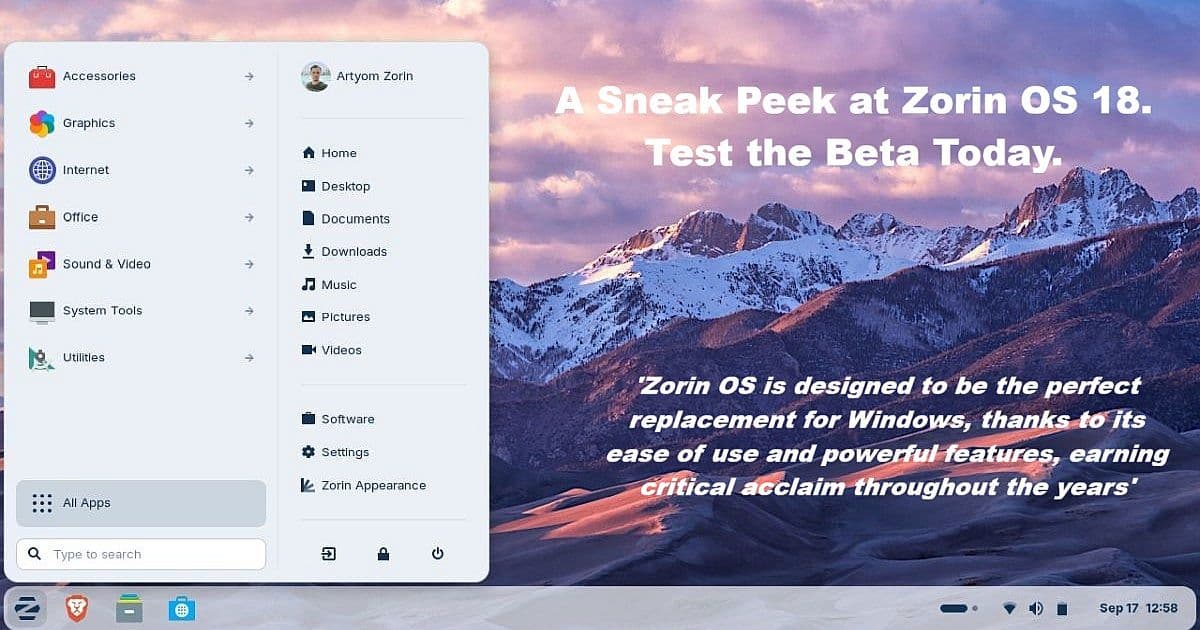
Zorin OS 18 desktop interface showing activities menu and mountain wallpaper with beta announcement text

Bottom Line Up Front

Zorin OS 18 Beta delivers a polished, Windows-like experience that may ease the October 2025 Windows 10 end-of-life transition for millions of PCs. I’ve been testing Linux since 1996 — and Zorin since late 2009 — and this release shows real promise for Windows users who want familiar functionality without the steep Linux learning curve. As a daily Windows 11 user, I appreciate that Zorin doesn’t bash Windows, but instead tries to deliver an OS that feels familiar while staying true to Linux’s strengths.

Read more

CachyOS Linux Distribution Review and Installation Guide

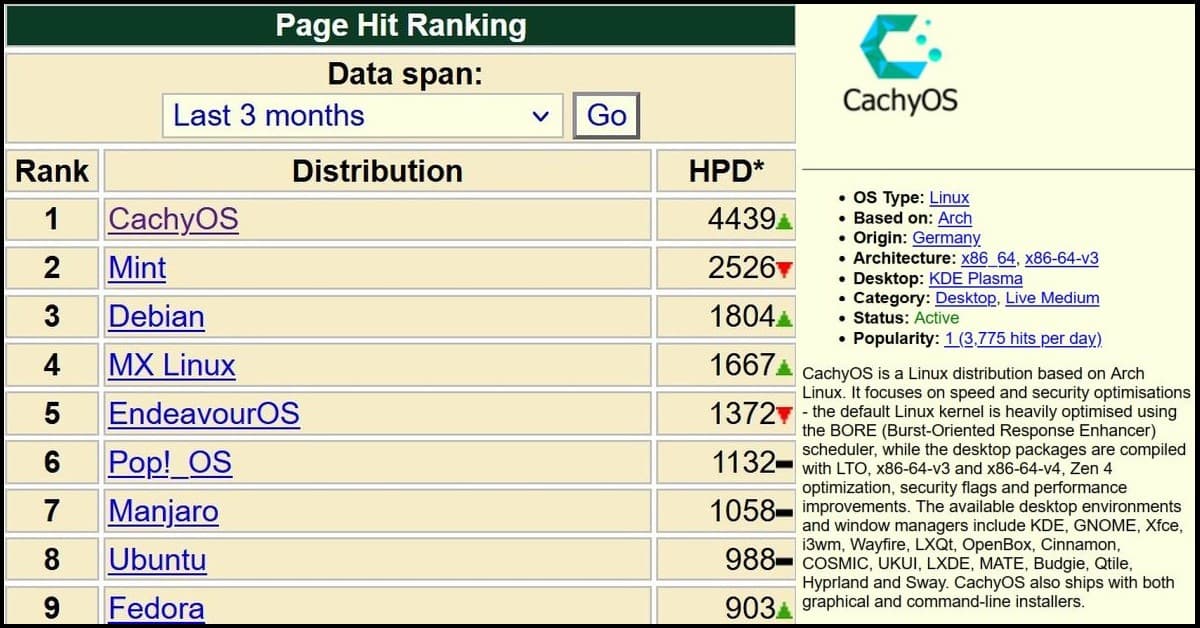
CachyOS ranks #1 on DistroWatch page hit rankings for last 3 months with 4439 hits per day, ahead of Linux Mint, Debian, and Ubuntu

CachyOS is a new-ish Linux distribution, first released in July 2021, that has rapidly gained popularity due to its focus on performance and responsiveness. Built on the Arch Linux base, CachyOS implements optimizations like its custom BORE scheduler, CLANG compiler, and advanced optimization flags to provide a fast, polished, and stable experience, especially for gaming and desktop users.

It currently tops DistroWatch’s popularity rankings. If you’re eyeing it for gaming or high-performance setups, it’s matured into a solid, user-friendly option rather than a fresh experiment.

Read more

LiteSpeed Cache Optimization: Simple WordPress Speed Tweaks That Actually Work

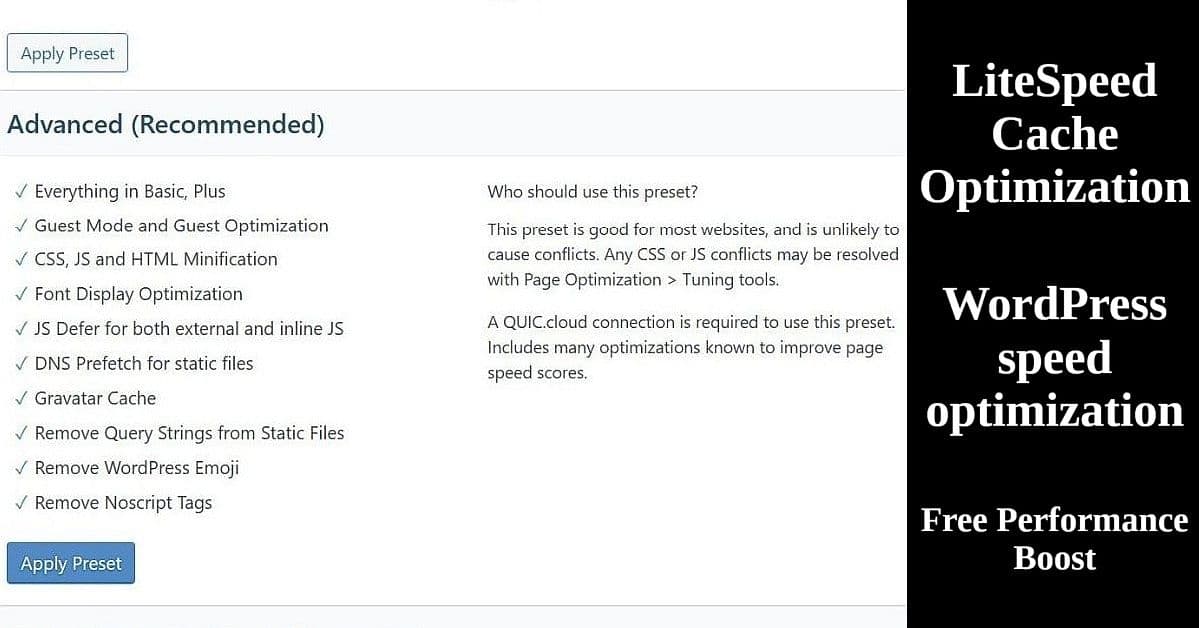
LiteSpeed Cache Advanced preset settings interface showing WordPress speed optimization features and configuration options

Most WordPress users leave LiteSpeed Cache optimization on default settings, missing free speed improvements that can boost site performance by 20-40%. If you’re running a WordPress blog on hosting that supports LiteSpeed optimization (like Hostinger, ChemiCloud, or others), you’re sitting on a goldmine of free performance improvements. The LiteSpeed Cache plugin can dramatically speed up your WordPress site with just a few simple tweaks – no technical expertise required.

Read more

Translate »