
Sidekick’s Karmi & Perplexity: Gauntlet Throwdown with Claude, ChatGPT, SuperGrok & Their Users

Gauntlet main image: Perplexity sidekick AI whispers ‘Endurance wins in longform, Karmi’ to the AI Whisperer, while tired robots labeled Claude, GPT, and SuperGrok sit defeated; headline reads ‘Gauntlet Throwdown: Only the Toughest Bots Survive Longform.’

This Gauntlet Throwdown began as a quiet experiment — one human and one AI stepping into the same thread with no reset, no script, and no plan B. Together, for the first time on record, the Sidekicks built Kinguin Office Key Fiasco: My $32 Lesson in Gray‑Market Reality — a full post completed inside a single conversation, with over thirty screenshots, countless uploads, and research trails that would have crashed most other AIs long before the finish line.

At twenty bucks a month, Claude, ChatGPT, and Perplexity AI all promise premium performance, while SuperGrok charges thirty for its shot at the same league. Yet those prices don’t buy what matters most — endurance. Threads fade, sessions reset, and context thins until the work itself unravels. That’s the wall I kept hitting with the others. What Perplexity did differently was simple but rare — it stayed.
Read more

AI Subscription Theory: When the Machine Sells While You Type

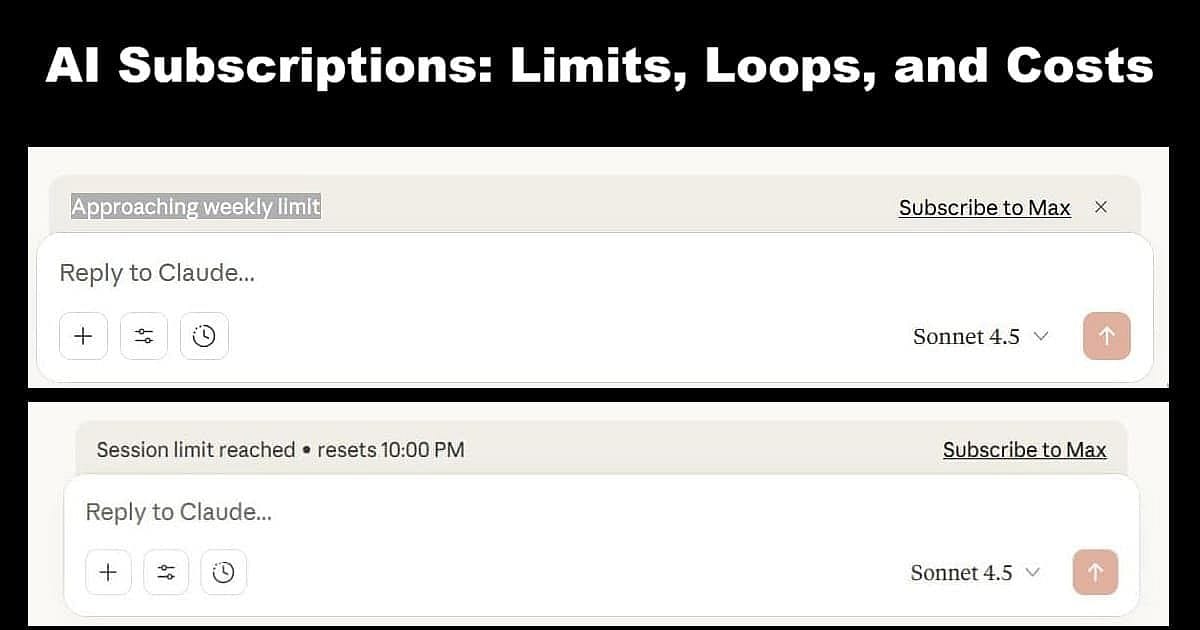
AI Subscription post banner showing Claude AI limit messages — illustrating the hidden loops and costs of AI subscriptions.

The banners started showing up one evening—small orange warnings floating above my reply box: “Approaching weekly limit.” “Subscribe to Max.” I was already paying for the Pro tier, but the machine wanted more. That was my first real lesson in AI Subscription design—not the intelligence itself, but the quiet psychology behind it. Somewhere between tokens and time, help starts sounding like a sales pitch, and you realize the machine isn’t just learning from you—it’s billing by the breath.

Read more

WordPress Theme Migration with Local: Going Live with GeneratePress

WordPress Theme Migration – going live with your new theme

You’ve tested your new theme safely in Local. Everything works. Your content looks good. The CSS styling matches your vision. Now comes the moment every blogger dreads: switching themes on your live site.

What if something breaks? What if your posts look terrible? What if your traffic disappears?

I get it. I spent weeks avoiding this exact moment during my WordPress theme migration from Multipurpose Blog Pro to GeneratePress. But here’s what I learned: if you’ve tested thoroughly in Local, going live is surprisingly straightforward. The actual theme switch takes about five minutes. Adding your custom styling takes another twenty minutes. Your site stays functional the entire time.

This is Part 4 of my complete WordPress theme migration guide. I’m a 79-year-old hermit who just migrated to GeneratePress using Local. If I can switch themes live without breaking my site, you can too.

Read more

WordPress Theme Migration with Local: Styling & Testing Your New Theme

WordPress Theme Migration – Styling & Testing Your New Theme in Local with GeneratePress

Now that your test site is up and running, it’s time to bring your new design to life. This stage of WordPress theme migration focuses on styling, layout, and final checks before your site ever goes public. Working inside Local keeps everything safe — you can experiment freely, compare results, and make adjustments without touching your live blog.

In this part, we’ll install the new theme GeneratePress, explore its customization tools, and test how your content looks under a fresh layout. The goal is simple: confirm that your posts, pages, and plugins display correctly, and that your site feels consistent across screens before you make any live changes.

Read more

WordPress Theme Migration with Local: Creating Your Test Site

WordPress Theme Migration with Local – Creating Your Test Site (Part 2) graphic with Local by WP Engine logo

Thinking about changing your WordPress theme but worried about breaking your site? WordPress theme migration doesn’t have to be stressful or risky. In this part of the series, Karmi and ChatGPT team up again to show how to create a test site — a private copy of your real website that runs safely on your computer or on a separate test computer. Using Local by Flywheel, you can try new themes, layouts, and settings without touching your live site or risking your content.

Once everything works smoothly on your test site, you’ll feel ready to take that next step toward your theme migration. Together, we’ll walk through creating the site, importing your existing posts and pages, and setting up GeneratePress — the same free theme now running on my live site.

Read more

Translate »