
Google Search Console Sitemap Fix: How This Rookie Got Lucky [Part 7]

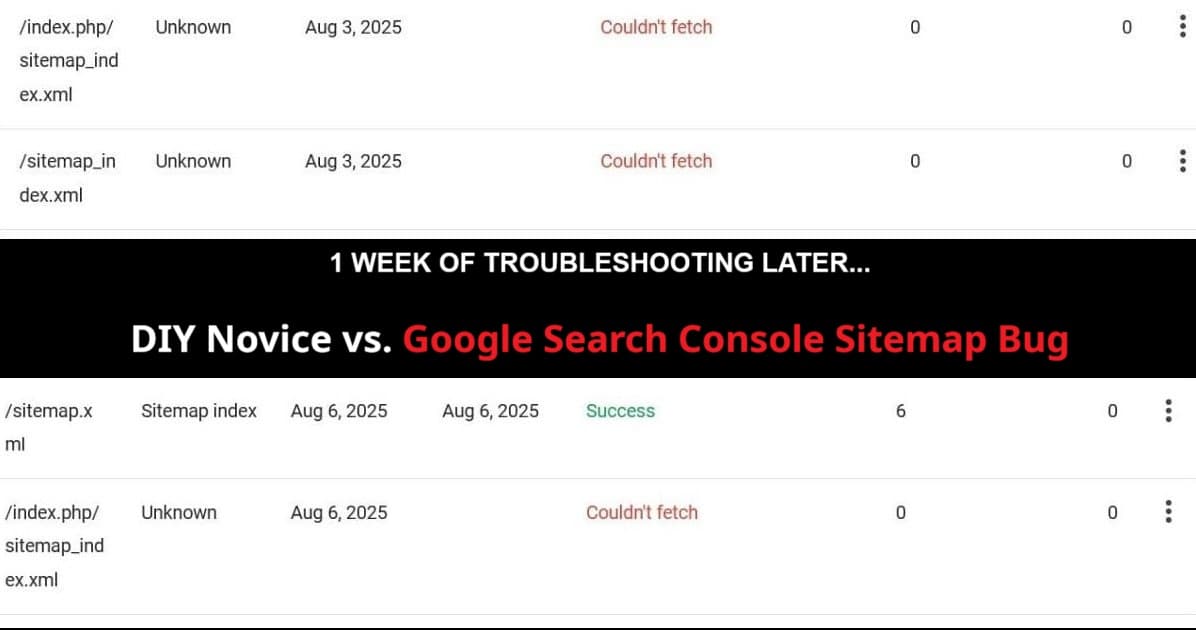
Google Search Console sitemap fix troubleshooting journey from couldn't fetch errors to success

My Google Search Console sitemap fix journey has been a 5-day nightmare. What started as occasional frustration in Part 3 turned into constant “Couldn’t fetch” errors that nearly broke my spirit. Here’s the real story of how a clueless rookie and his highly paid AI sidekick finally beat Google’s own bug.

Full disclosure: During all this confusion and troubleshooting, I sorta lost track of time. What I describe as “24 hours” might have been overnight, and “several days” might have been one or two days. Technical problems have a way of warping your sense of time when you’re in the thick of it.

Let me be honest about something: Google Search Console sitemap troubleshooting has been my biggest challenge since Part 3 of this series. While I was celebrating climbing RankMath scores and learning SEO optimization, GSC was quietly driving me insane in the background.

This is the story of my Google Search Console sitemap troubleshooting nightmare – and how persistence, systematic detective work, and a bit of luck finally solved it.

Read more

WordPress 404 Monitor + Redirections = Clean Site (Part 6)

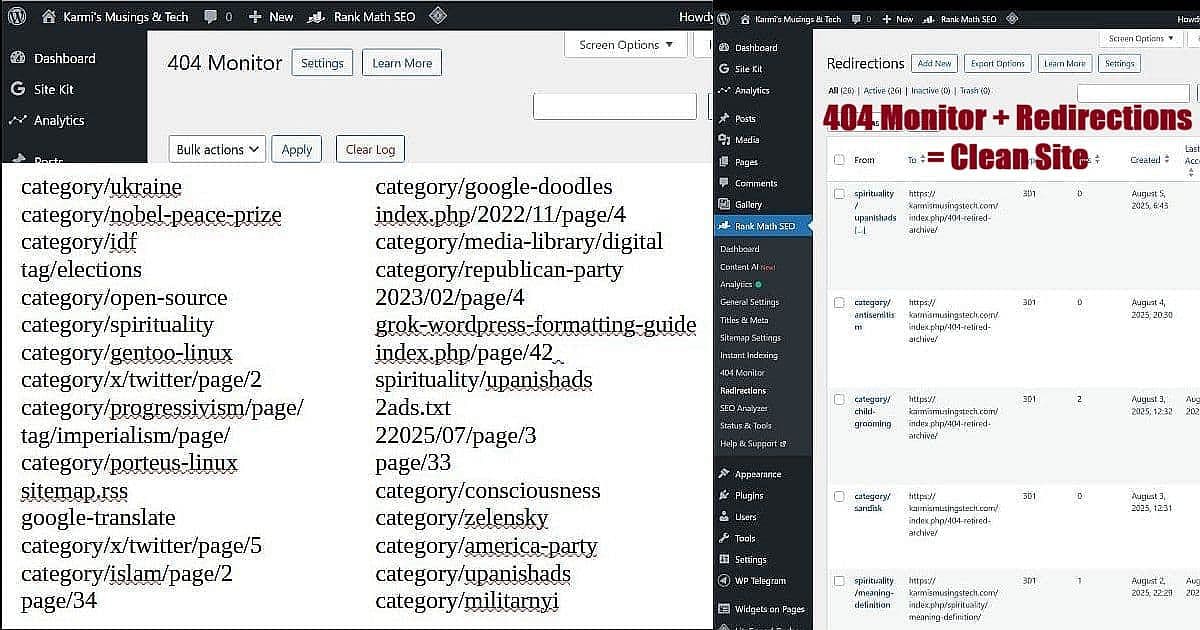
WordPress 404 Monitor and Redirections dashboard showing systematic broken link management workflow with RankMath tools

Last week I discovered something that changed how I handle 404 errors completely. I was staring at my WordPress 404 monitor showing “category/red-hat” as a broken link. The standard advice everywhere says “just redirect it to your homepage.” But wait – someone searching for red hat content doesn’t want to land on my tech blog homepage. They want red hat information or at least an explanation of why it’s not available.

That’s when I realized the traditional 404 redirect advice creates a worse user experience, not a better one. Instead of the lazy homepage redirect, I developed what I call the “404 Retired Archive” approach using RankMath’s 404 Monitor and Redirections tools working together.

Read more

RankMath Free Features Deep Dive: What You Actually Get [Part 4]

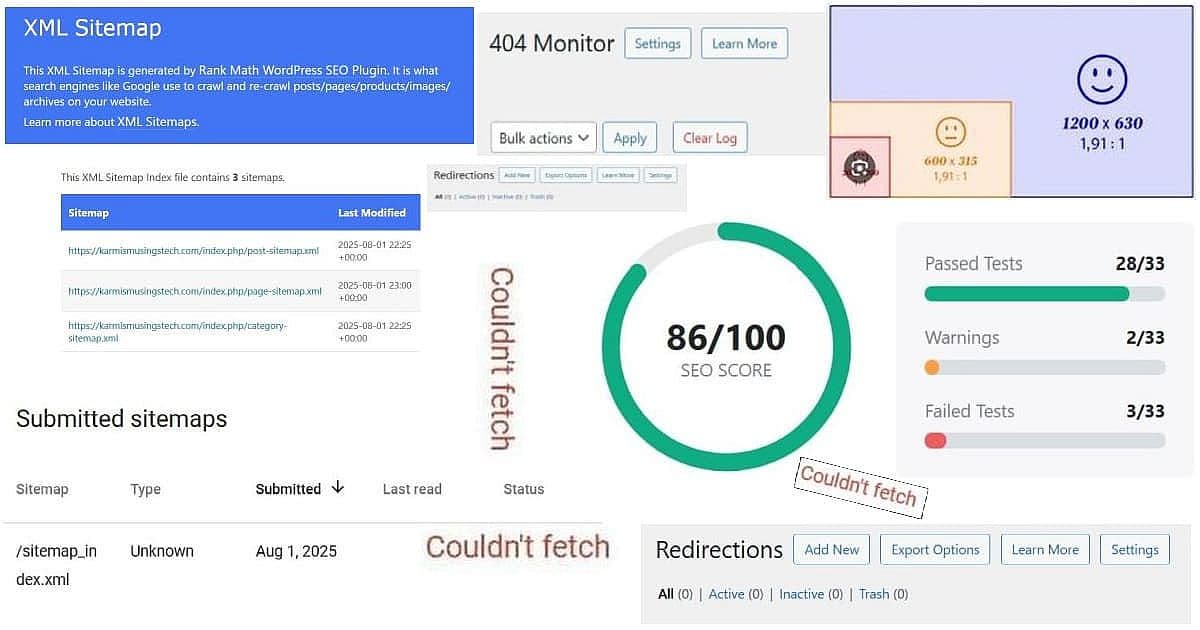
RankMath free features collage showing XML sitemap generation, 404 monitoring, redirections management, social media optimization ratios, 86/100 SEO score, and Google Search Console couldn't fetch status - demonstrating comprehensive free tier capabilities

Picture this: You’re exploring RankMath free features and checking Google Search Console, feeling pretty good about your RankMath setup, when suddenly you see it. Red text. “Couldn’t fetch sitemap.” Your heart sinks a little. Did something break? Is Google ignoring your carefully crafted content?

This exact scenario hit me while working on this RankMath series. After successfully bumping my SEO scores from 71 to 77 across the first three posts, I discovered what looked like a major problem: Google couldn’t fetch my sitemap, even though RankMath was proudly showing it had generated one.

Here’s what I learned – and why this “problem” actually became the perfect showcase for RankMath’s free features.

Read more

Fix Something, Break Something: My DIY Reality Check [Part 3]

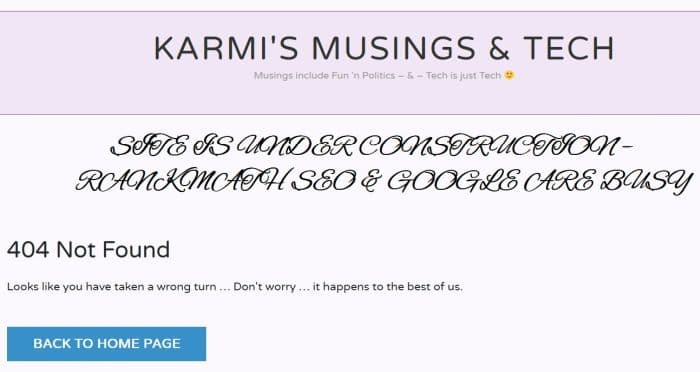
DIY SEO reality check 404 errors RankMath monitor

Welcome back to my DIY SEO reality check! I’m Karmi, and if you followed Part 1 and Part 2 of this series, you know I successfully set up RankMath with Claude AI’s help. Part 2 ended with a celebratory 77/100 SEO score and plans to dive deeper into optimization.

Plot twist: The real DIY SEO reality check was just beginning.

Read more

My DIY SEO Journey: Setting Up Rank Math [Part 2]

Rank Math setup WordPress SEO plugin dashboard

My Rank Math setup journey continues! I’m Karmi, a solo blogger tackling SEO for Karmi’s Musings & Tech. In ‘From SEO Confusion to DIY SEO Optimization Success: My RankMath Journey [Part 1]‘, I asked Claude AI about those spammy “SEO” emails: Karmi: What’s SEO, Sidekick? Claude: It’s making your blog easier for Google to find. Let’s audit karmismusingstech.com. Claude’s audit flagged messy URLs and no meta descriptions, pointing me to Rank Math’s free SEO plugin.

I’ve optimized 15–20 posts, with my first new post hitting a 71/100 SEO score! Now, with my sidekick Claude, I’m installing Rank Math on my WordPress blog, using Multipurpose Blog Pro theme. Claude suggested skipping Google Services for now, which I’ll tackle soon. Follow my journey on my blog or X premium! #SEO #RankMath #WordPress

Read more

Translate »